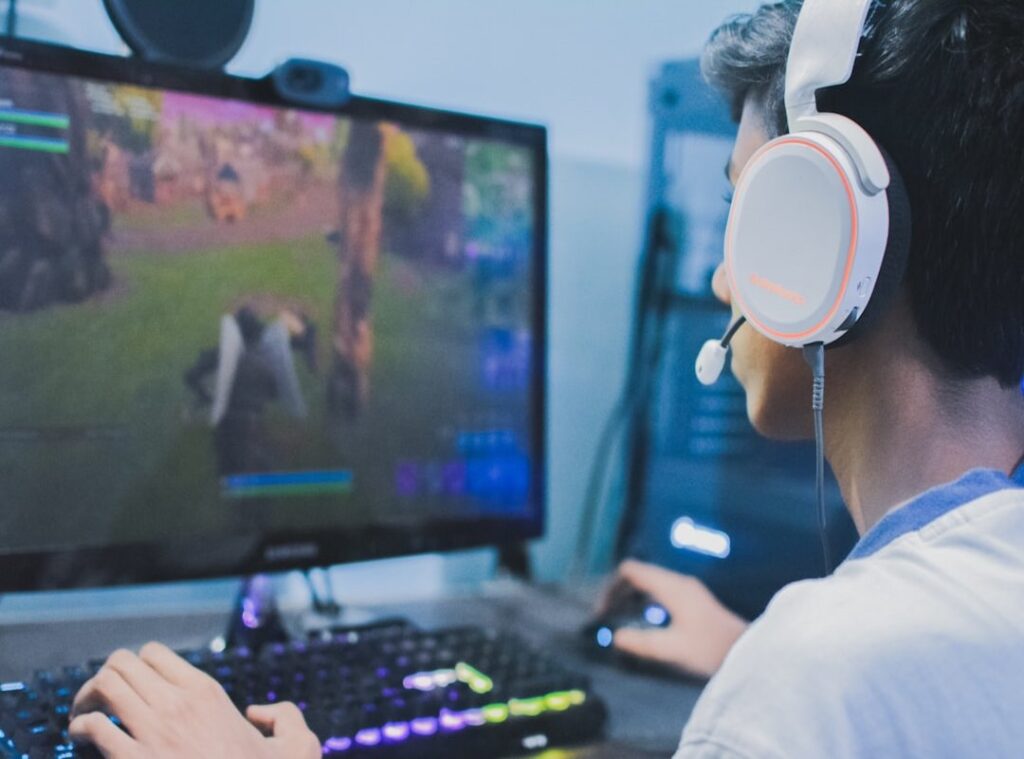

Lag. It’s the bane of every gamer’s existence, right? You’re in the heat of battle, adrenaline pumping, and then…stutter.
Your opponent takes you out before you even see them. Frustrating doesn’t even begin to cover it. But here’s the good news: there are reducing lag tweaks that can make your gaming experience smoother.
Why should you trust this? I’ve been deep in the trenches of gaming for years, and I’ve tried it all. From stick-based controller mods to esports tournament strategies, I know the pulse of the field.
You’re not alone in this battle against lag.
This isn’t just theory. These tweaks come from real experiences and expert takeaways. No fluff.
Just practical solutions.
Imagine a world where lag doesn’t ruin your game. Sounds dreamy, right? Stick around and you’ll learn exactly how to make that happen.
By the end of this article, you’ll have the tools to reduce lag and up your game.
Hardware-Level Tuning: Your Controller is Your Weapon
Let’s get real: stock hardware is a joke. It’s the first bottleneck you face. Your controller should be a weapon, not a handicap.
Ever tried swapping joystick gates? It’s like night and day. The square gate is standard, but for fighting games, an octagonal or circular gate can change everything.
You get smoother motions, faster inputs. Exactly what you need to crush the competition.
Now, let’s talk actuators and springs. A larger actuator reduces throw distance. What’s that mean?
Faster inputs. You’re not wasting time moving your stick too far. And spring tension?
That’s your return-to-neutral speed. Tighter springs snap back quicker, giving you that edge when milliseconds count. Imagine having that advantage in a fast-paced shooter.
Buttons are the unsung heroes. Ever heard of Sanwa, Seimitsu, or GamerFinger? If not, you’re missing out.
Sanwa buttons are light and fast, perfect for those quick taps. Seimitsu? A bit more resistance, but some people like that for precision.
GamerFinger is the loud one in the room (clicky feedback), but you know when you’ve hit it. Choose your weapon. It’s all about your playstyle.
Here’s a pro tip: do a hardware audit. Check your stick. Are the buttons responsive?
Is the joystick making strange noises? A quick inspection can save you from mid-game disasters. Look into how to overclock gaming performance.
It’s another layer to your setup, reducing lag tweaks that can make or break your game.
In short, don’t just settle for stock. Upgrade. Tweak.
Make that controller your own. You’ll see the difference (trust) me. A small change in your hardware can lead to a massive leap in your gaming performance.
And once you start winning more, you’ll wonder why you didn’t do this sooner.
Conquering Input Lag: The Invisible Game Changer
Let’s talk about the gulf between pressing a button and seeing it happen on screen. That’s the digital battlefield where games truly hang in the balance. You might have wondered why you sometimes feel a delay when playing your favorite game.
Often, it’s not your reflexes or even your hardware. It’s the input lag. we roll up our sleeves and dive into the tweaks.
Now, polling rate is probably a term you’ve stumbled upon. Imagine it as the frequency (measured in Hz) at which your controller talks to your PC. The higher, the better.
Why? Because it cuts down on input latency. Maximizing it to 1000Hz or more is a game changer.
Most modern devices allow you to tweak this. Check your settings. It’s usually a simple switch.
But we can’t stop there. We’ve got a few more system-level tricks up our sleeves. Disabling full-screen optimizations in Windows might sound odd, but it works like a charm.
Trust me. And for something as simple as using the right USB ports, the impact can be deep. Updating those controller drivers?
Non-negotiable.
SOCD Cleaners: A Quiet Revolution
If you use leverless controllers, listen up. SOCD (Simultaneous Opposing Cardinal Directions) cleaners are what separate the rookies from the pros. They decide which inputs matter when two are pressed simultaneously.
Modes like Neutral and Last Input Priority can boost your play. It’s a subtle but solid technique.
Oh, and don’t forget firmware updates. These little patches from manufacturers aren’t just an afterthought. They often include improvements that slash input lag.
So stay on top of them.
And don’t get me started on lag versus graphics. It’s a balancing act, but there’s advice out there on how to reduce lag without sacrificing graphics. Dig into that if visuals are your thing.
Remember, these reducing lag tweaks can turn a regular gaming experience into something smooth and responsive.
Maximize Your Game: Tweaks for Gear Perfection
Let’s get straight to it. You’ve jacked up your hardware, software’s humming, but what’s next? Dive into those in-game settings to unleash your true potential.
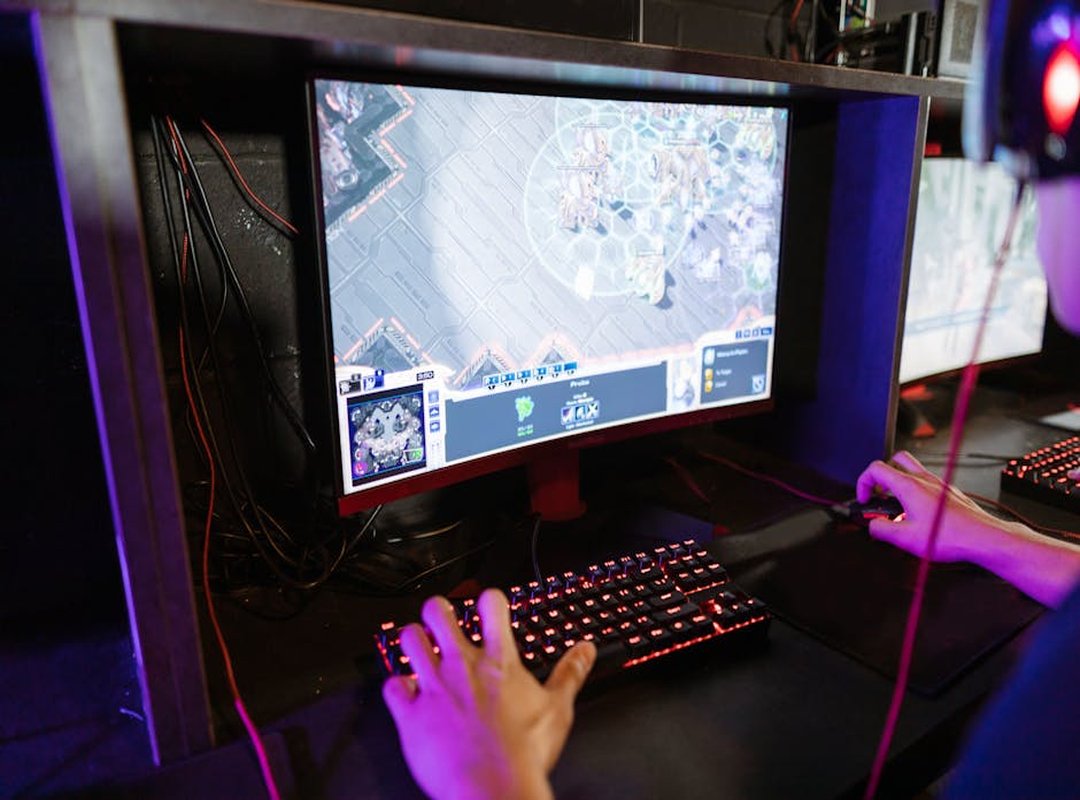
First of all, ditch V-Sync. I know, smooth visuals sound tempting, but we’re after reducing lag tweaks for the fastest response. Use exclusive fullscreen mode for that tighter sync between your game and your hardware.
It’s all about shaving off those precious milliseconds.
Now, deadzones. You’ve been there, right? You press the joystick, but no movement.
Frustrating! Fighting games need tight deadzones for precision. On the flip side, twin-stick shooters benefit from a custom sensitivity curve.
You want fluid movement, not jerky reactions. It’s like dancing with two left feet otherwise.
Button mapping is another game-changer. Pro tip: map your most-used actions to the easiest-access buttons. Macros (when they’re legal.
Check your tournament rules) save time. Imagine executing a complex combo with just one press. It’s like unlocking a cheat code without cheating.
Alright, graphics settings. Look, we all want games to look stunning, but in competitive play, framerate wins. Sacrifice a bit of visual glory for a smoother experience.
Your system calls the shots. Prioritize high FPS over eye-popping graphics. Trust me, you’ll see the difference in your performance.
Curious about other ways to boost your gameplay? You might want to look into important optimization tools hardcore gamers. The right tools can transform your gaming setup from basic to pro-level.
Ready to take it to the next level? Your gear’s set, your settings are dialed in, and you’re primed to dominate. Now go conquer those leaderboards.
The Human Element: Training Your Muscle Memory
Let’s get something straight. It’s not just about the gear. Sure, reducing lag tweaks are great, but if you don’t adapt, you’re wasting time.
You need to focus on training drills that build muscle memory.
Think about it. Practicing quarter-circle motions on a new gate or timing combos with faster buttons isn’t just busywork. It’s important.
You can’t rely solely on hardware mods to make you a better player. You need to put in the work (and yes, it takes work).
Use in-game training modes. Replay analysis isn’t just for pros. It’s a way to objectively see how changes impact your game.
And don’t underestimate the mental boost. A fully optimized setup that you trust can boost your confidence. It reduces execution errors when the pressure’s on.
You can then focus on what really matters: plan. After all, isn’t that why we play?
Unleash Your Hidden Gaming Potential
Hitting a performance plateau? We’ve all been there. That frustration is real.
But here’s the thing: true optimization isn’t just about quick fixes. It’s about a complete approach. Tuned hardware, lag-free software, and deliberate practice form your trifecta of success.
Now you have the complete system to upgrade every part of your gameplay experience.
Start small. Try a single tweak from our guide. Maybe focus on reducing lag tweaks.
Trust me, the difference will be noticeable. Ready to outplay the competition? Dive into that first tweak and watch your skills soar.
Your peak performance awaits.
 Pamelara Gillmanimo serves as a key voice in the platform's esports coverage, delivering comprehensive reports on global tournaments and emerging talent. Beyond the leaderboard, she explores the intersection of hardware and skill, frequently detailing optimization hacks and the latest trends in stick-based controller mods. Her work is essential for players looking to keep their setups at peak performance while staying informed on the shifting dynamics of the professional gaming scene.