If you’re searching for ways to optimize network for gaming, you’re likely tired of lag spikes, high ping, and frustrating disconnects that cost you wins. Competitive and casual players alike know that even a split-second delay can mean the difference between victory and defeat. This guide is built specifically to help you eliminate network bottlenecks, stabilize your connection, and unlock smoother, more responsive gameplay.
We break down exactly what affects gaming performance—router settings, bandwidth allocation, DNS configuration, wired vs. wireless setups, and latency management—so you can make targeted improvements that actually work. Instead of vague tips, you’ll find practical, field-tested optimization methods used by serious players to maintain consistent performance during high-stakes matches.
Every recommendation is grounded in proven networking principles and real-world gaming scenarios, ensuring you get reliable, actionable advice—not guesswork. By the end, you’ll know precisely how to fine-tune your setup for faster response times and a competitive edge.
Stop Lagging, Start Winning
We’ve all been there: final circle, perfect aim, then—freeze. Lag, high ping, and packet loss (data packets failing to reach their destination) wreck the moment. In my opinion, a bad connection is the silent killer of competitive dreams. Hardware matters, sure—but your network is usually the real bottleneck.
Here’s the truth: if you want to optimize network for gaming, you need deliberate, step-by-step fixes. Test your ping, switch to wired Ethernet, tweak QoS settings, and reset bloated routers. I’ve seen these changes transform matches overnight. Small network tweaks create massive competitive edges. Results speak loudly.
Pinpoint the Bottleneck: Is It Your Network or Your Hardware?
When your game starts acting up, it helps to picture your setup like a highway system. Hardware lag is a weak engine. Network lag is traffic congestion.
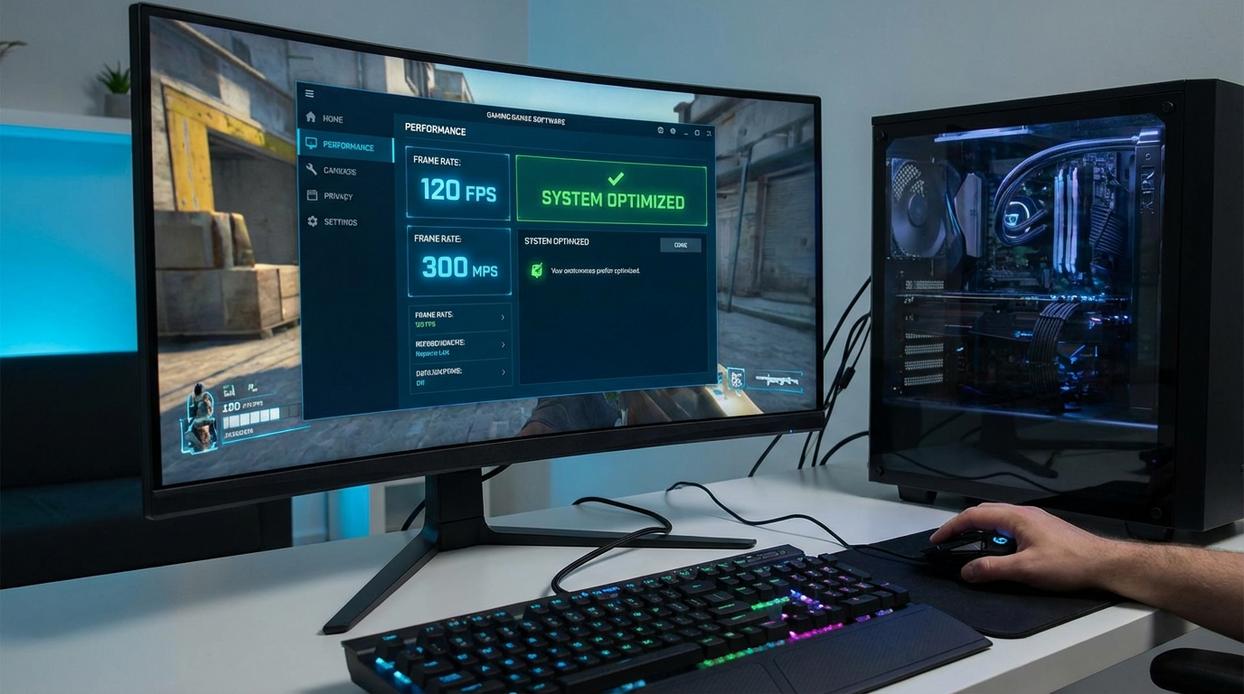
Hardware lag shows up as low FPS (frames per second, or how many images your system renders each second) and screen tearing. Think of FPS as pages in a flipbook—too few pages, and the animation looks choppy. Network lag, on the other hand, feels like stuttering or rubber-banding, where your character snaps back to a previous spot (like the server saying, “Nice try, but no”).
To check network health in real time, open in-game stats and watch:
- Ping (latency): Time it takes data to travel to the server and back.
- Packet loss: Missing data packets (imagine sentences with random words erased).
Run a speed test for bandwidth (download/upload speed), then a ping test using Command Prompt: ping google.com -n 20. Look for low, stable latency under 50ms for competitive play.
Here’s the key difference: bandwidth is the width of the pipe; latency is the speed of the water. For gaming, low, steady latency matters far more than massive speeds. You could have 500 Mbps and still lag.
If results spike or fluctuate wildly, it’s time to optimize network for gaming before blaming your GPU.
The Unbeatable Advantage: Why a Wired Connection Is Non-Negotiable
Ethernet vs. Wi-Fi isn’t a debate for competitive gaming—it’s a verdict.
Ethernet (Wired) delivers maximum stability, the lowest possible latency (delay between your input and the server response), and zero wireless interference. Wi-Fi (Wireless), even on Wi-Fi 6 or 7, is vulnerable to signal degradation (walls weaken signals) and channel congestion (multiple devices fighting for bandwidth). In a clutch 1v1, that split-second spike matters.
Quick-start guide:
- Plug one end of an Ethernet cable into your router.
- Plug the other end into your PC or console.
- Restart the device and confirm “Wired Connection” in network settings.
That’s it. You’ve taken the first real step to optimize network for gaming.
If running a cable isn’t feasible, consider Powerline adapters (internet through electrical wiring) or MoCA adapters (internet through coaxial TV cables). Both beat Wi-Fi in consistency.
For peak results, pair this with graphics card tweaks that improve competitive performance.
Master Your Router: Key Settings for Gaming Supremacy
Have you ever wondered why your ping spikes the second someone starts streaming in the next room? Or why your shots don’t register during the final round? Before blaming your ISP, check your router.
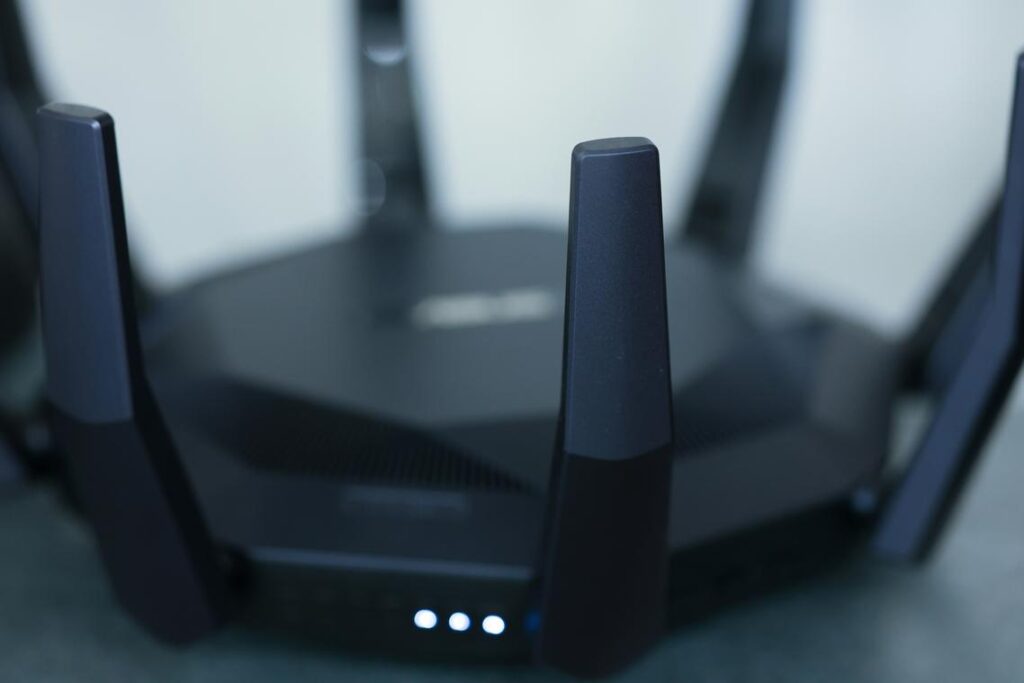
The single most important setting for gamers is Quality of Service (QoS). QoS is a router feature that prioritizes certain types of internet traffic over others. In plain English: it tells your router that your game matters more than someone else’s Netflix binge. Log into your router (usually 192.168.1.1), find QoS, and prioritize your gaming device by MAC address or device name. Some routers even have a “Gaming” preset. (Yes, it’s basically your router picking favorites.)
Stuck on Wi‑Fi? Ask yourself: are you fighting your neighbors’ networks too? Use a Wi‑Fi analyzer app to scan nearby channels. Pick the least congested one and manually set it in your router’s wireless settings. Less overlap means fewer interruptions.
Next, consider DNS. A DNS (Domain Name System) server translates website names into IP addresses. A slow DNS delays connections. Switching to Cloudflare (1.1.1.1) or Google (8.8.8.8) can improve lookup speed and stability (Cloudflare claims faster average query times than many ISPs). On PC, go to Network Settings → Adapter Options → IPv4 → enter the DNS manually. On consoles, choose Manual Setup and input the same numbers.
To truly optimize network for gaming, follow this checklist:
- Enable and configure QoS.
- Select the least crowded Wi‑Fi channel.
- Switch to a public DNS.
- Check monthly for firmware updates.
Firmware updates patch security flaws and improve stability (many address performance bugs, per router manufacturers). Ignore them, and you risk lag—or worse. Pro tip: enable automatic updates if available.
Beyond the Basics: Pro-Level Tweaks for Peak Performance
First, check what’s running in the background. Dropbox, OneDrive, streaming apps, and active torrent clients quietly eat bandwidth while you’re mid-match (yes, even if they’re “idle”). App open vs. app fully closed is the difference between stable ping and random lag spikes. Before blaming your ISP, shut them down.
Next, consider a gaming VPN—but only in the right scenario. If your ISP uses poor routing, a VPN can create a shorter, cleaner path to the game server. That’s VPN on vs. ISP default routing. However, VPN on vs. VPN off when routing is already optimal? You’re just adding latency. Pro tip: test both during the same time window and compare ping.
Then there’s port forwarding. Closed NAT vs. Open NAT can impact matchmaking speed and party chat stability. By manually forwarding specific ports to your console or PC, you create a more direct connection—often reducing disconnects in competitive titles.
Finally, gaming routers. Marketing hype vs. real hardware is the key comparison. RGB lights won’t help you optimize network for gaming. Instead, look for powerful processors and advanced QoS (Quality of Service, which prioritizes gaming traffic over Netflix). For deeper setup walkthroughs, check https://tportstick.com/. In short, tweaks beat gimmicks every time.
Your Path to a Lag-Free Gaming Experience
Frustrating network issues are almost always solvable with the right knowledge. Back in 2020, when online tournaments surged overnight, players learned how quickly small tweaks could transform performance. After weeks of testing, two fixes consistently delivered the biggest gains:
- Switch to a wired connection for stable, interference-free speed.
- Configure QoS properly to prioritize game traffic over background apps.
These steps help you optimize network for gaming without expensive upgrades. A stable, low-latency connection is the true foundation for competitive success and immersive fun. Implement one today and feel the difference in next session.
Level Up Your Competitive Edge Today
You came here to sharpen your skills, fine-tune your setup, and gain a real advantage in your games. Now you understand how smarter mechanics, optimized controller mods, and performance tweaks can dramatically impact your reaction time, precision, and overall results.
The truth is, most players struggle not because of talent—but because their setup is holding them back. Input lag, poor configuration, and unstable connections quietly sabotage performance. That frustration of losing winnable matches? It often starts behind the scenes.
The fix is simple: apply what you’ve learned. Dial in your controller settings. Implement proven optimization hacks. And most importantly, optimize network for gaming so every movement, shot, and decision registers instantly.
If you’re serious about climbing ranks and outperforming the competition, don’t stop here. Put these strategies into action today. Thousands of competitive players rely on our in-depth guides and performance-tested tips to gain their edge—now it’s your turn.
Take control of your setup, eliminate hidden performance issues, and start playing at the level you know you’re capable of.